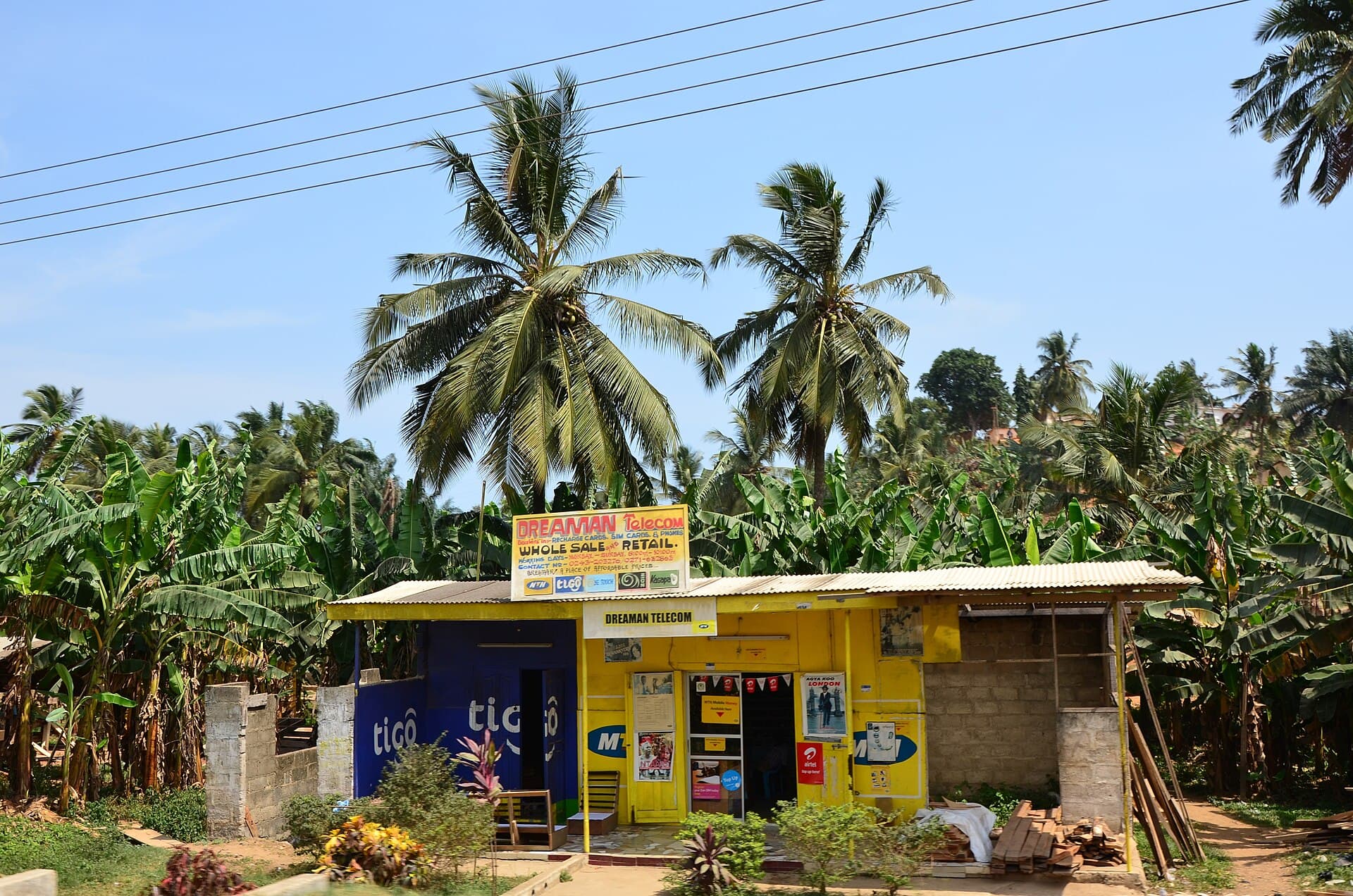
Get paid with a link
No website, no machine, no app for your customers to download. How to set up your xtopay.me link, share it, and get the money to your MoMo wallet or bank.
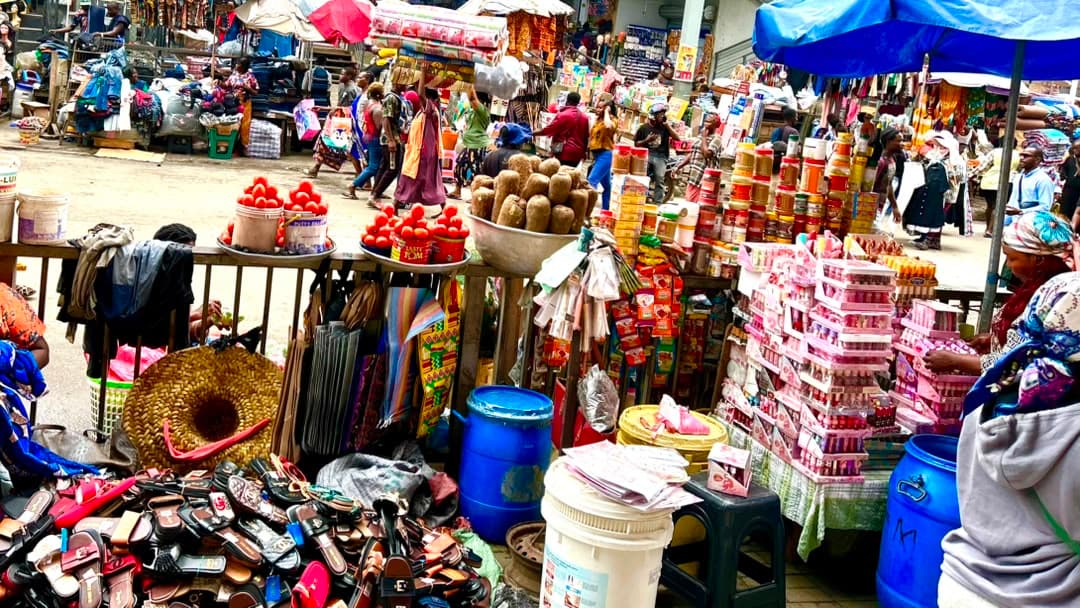
A link is the simplest way to take payments online. You send it, your customer taps it, and they pay with the Mobile Money already on their phone. Here's how to set one up on Xtopay, from signing up to getting paid out.
Pick your name
Create your free account and choose a username. It becomes your link: if you choose nanaskitchen, customers pay you at xtopay.me/nanaskitchen. Usernames are 3 to 30 letters or numbers, with at least one letter, so keep it short and easy to say out loud.
Choose what customers tell you
Every payment comes with the customer's name and phone number: Mobile Money needs the number, and it's how Xtopay keeps your customers together. You choose the rest:
- whether to ask for their email (so they get a receipt by email), or not;
- a note, under your own label, such as "Delivery address" or "Table number"; and
- up to 10 questions of your own, answered onto the payment.
You can also add a message to your page, your support contact, and your website and social pages.
Share it
Share your link anywhere your customers already are: your WhatsApp status, your Instagram bio, a text message, or the bottom of an invoice. For customers in person, print your QR code, with your logo in it, and put it on your counter or your delivery bags.
Links you share from the dashboard by QR code or WhatsApp are tagged, so Insights can show you how many people opened them and where they came from.
What your customer sees
Your customer opens your link, enters the amount and their details, and goes to the checkout. They choose how to pay:
- Mobile Money (MTN MoMo, Telecel Cash or AT Money): a prompt appears on their phone, and they approve it with their PIN.
- Card (Visa or Mastercard): they type their card's details on our payment partner's secure page.
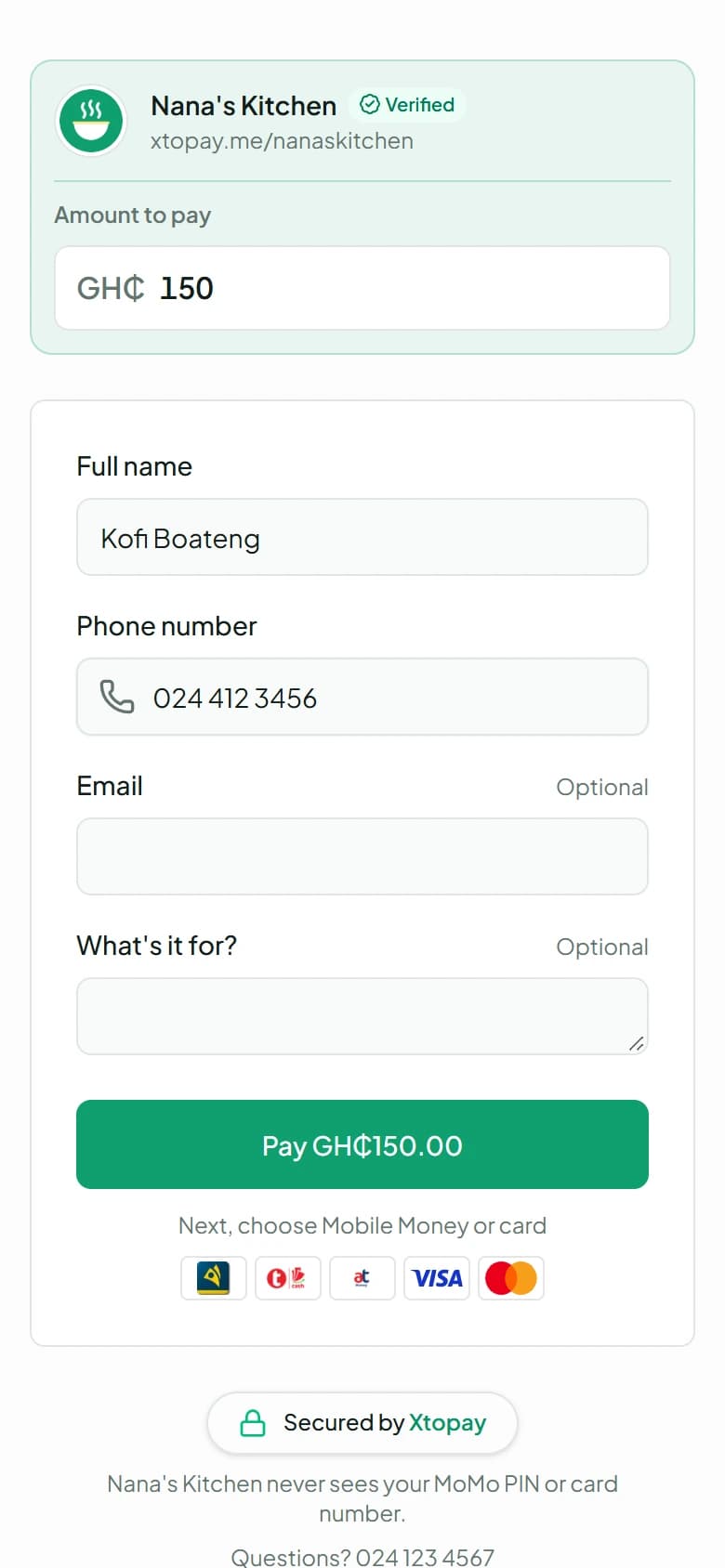
Your link
They open xtopay.me/you, enter the amount and who they are.
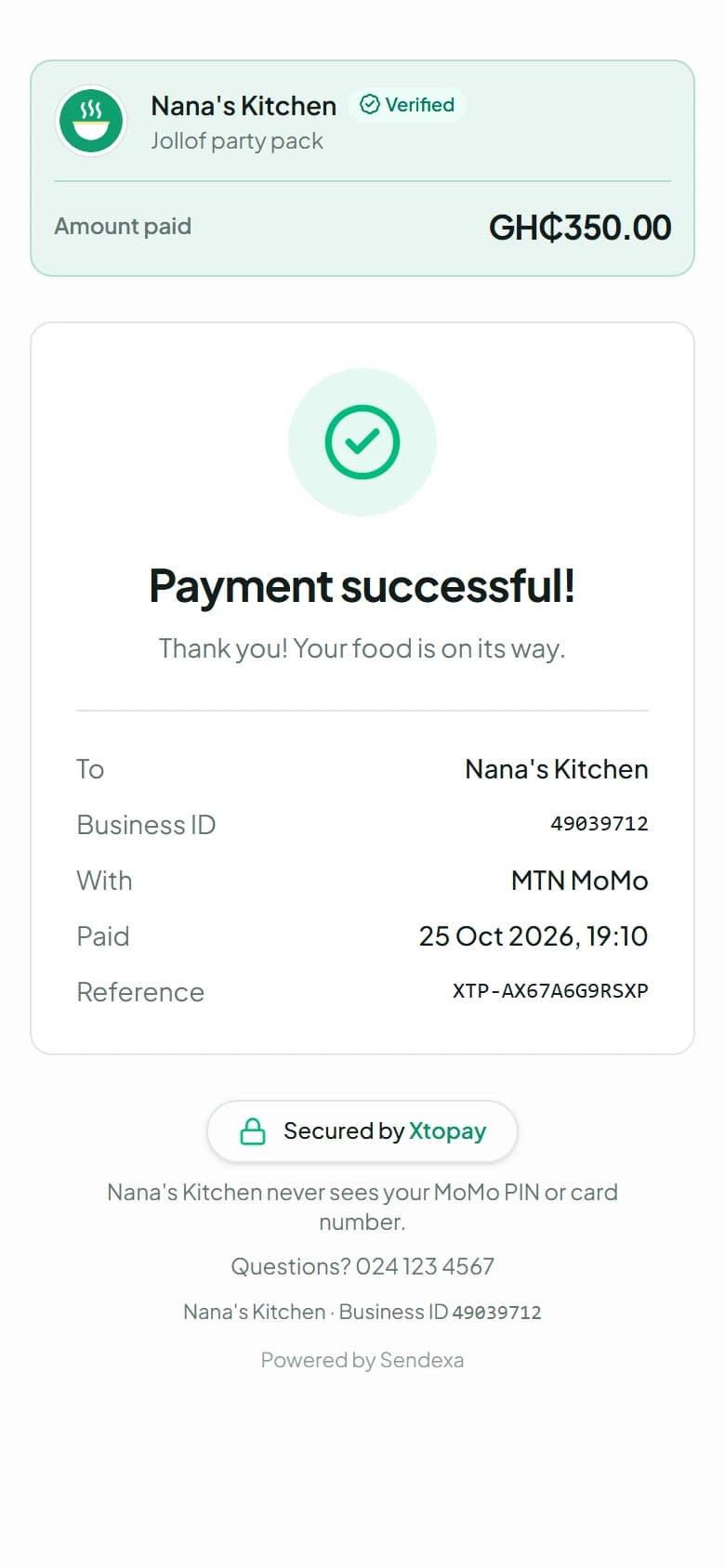
Paid
They see your thank-you. You see the payment, and the money joins your balance.
When it's paid, they see your thank-you and get a receipt with your contact details. You see the payment in your dashboard straight away, with what they paid for and their answers, and you get an email about it.
A link for each thing you sell
Your own link lets customers pay any amount. For things you sell often, make a payment link for each one, with its own price, description and questions: xtopay.me/nanaskitchen/jollof-pack. Share the one that fits the conversation.
Get your money
Each payment, less Xtopay's fee, joins your balance. After the settlement delay shown in your dashboard, it becomes available to pay out.
Before your first payout, verify your business: add its details, and verify the owner's identity with a Ghana Card and a selfie. Then add a payout account, a MoMo wallet or a bank account in your business's or your own name, and choose when you're paid: on a schedule, or whenever you ask.
A new payout account waits 24 hours before it's paid, and every change is emailed to the owner. If you get an email about a change you didn't make, tell us straight away.
That's all it takes: your link works as soon as you've picked your name, and customers can pay you before you've verified your business.