A code before the MoMo prompt
Customers now confirm their number with a 6-digit code before a Mobile Money prompt is sent to it. Why we ask, what your customers see, and why it's quick.
Since 9 November, before the checkout sends a Mobile Money prompt to a number, the customer confirms that number is theirs with a 6-digit code. It takes a few seconds, and it closes a door that fraudsters like to use.
Why we ask
A Mobile Money prompt can be sent to any number. That's what makes it easy to pay, and it's also what a fraudster leans on: send a prompt to a stranger's phone, then call them pretending to be the network, a bank or a delivery company, and talk them into approving it with their PIN.
With a code first, a prompt only goes to a phone whose owner has just asked for it. Our payment partner asks for it on web checkouts, and we think they're right to.
What your customer sees
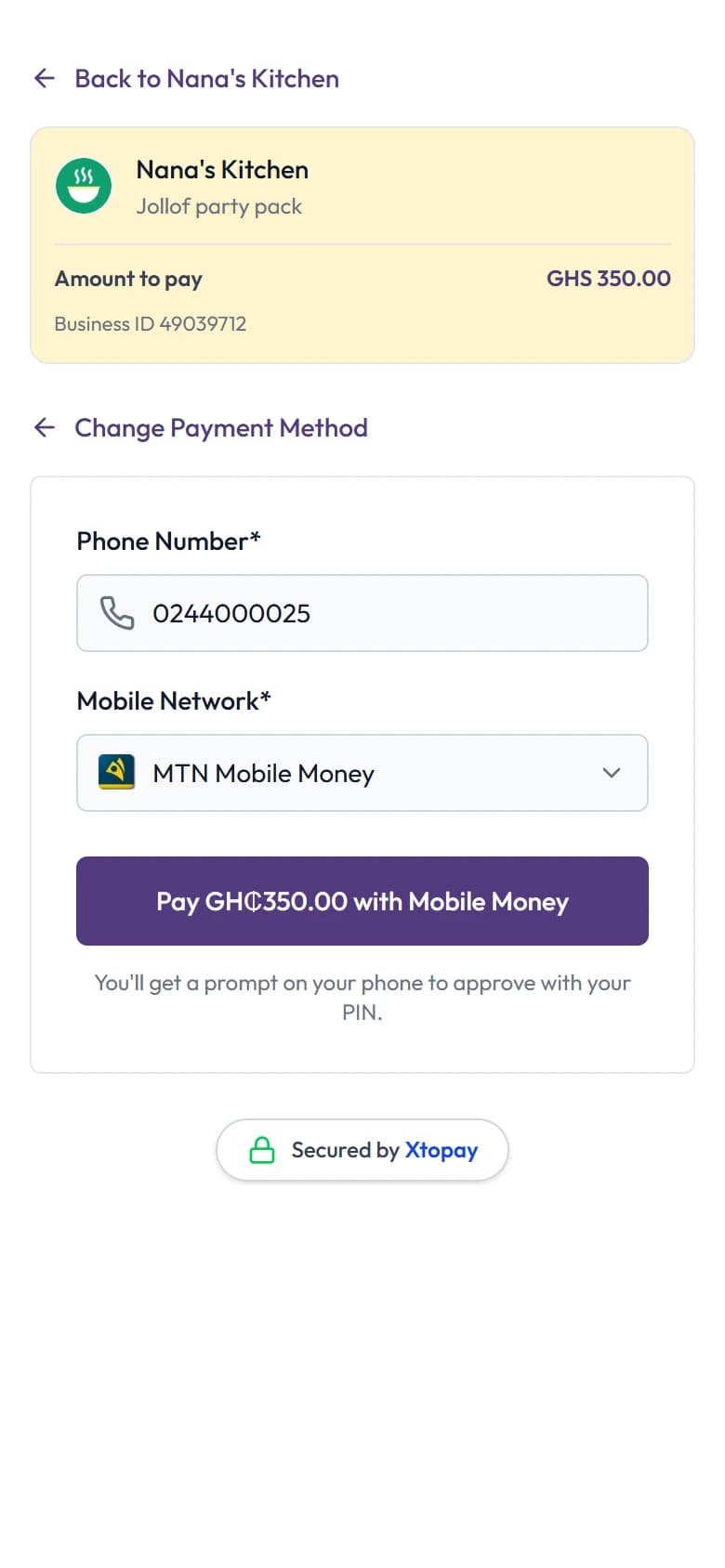
- At the checkout, they choose Mobile Money and enter their number.
- We send a 6-digit code to that number, by SMS or by WhatsApp from Xtopay's own account.
- They type it in, and the prompt arrives on their phone, as before.
- They approve it with their PIN.
A code lasts 5 minutes and works once. If the prompt times out, or they don't have enough in their wallet, they can try again from the same checkout for 30 minutes without waiting for another code.
What doesn't change
You don't need to change anything: your links, pages, invoices and checkout all ask for it. Your customer's PIN is still typed on their own phone, never on our page, and nobody at Xtopay ever sees it.
Payments you start yourself, such as a direct charge from your own system through our API, don't ask for a code yet. If you're a developer, test checkouts accept 000000.
A reminder for your customers
The code is for the person paying, on the checkout they opened. Nobody from Xtopay, your business or a network will ever call to ask for it, or for a Mobile Money PIN. If someone does, it isn't us.
Read more about how we keep your money safe.