Send money from your balance
Pay suppliers, staff and agents straight from what your customers paid you, to any MoMo wallet or bank in Ghana. One at a time, or a whole file of up to 500 at once.
On this page
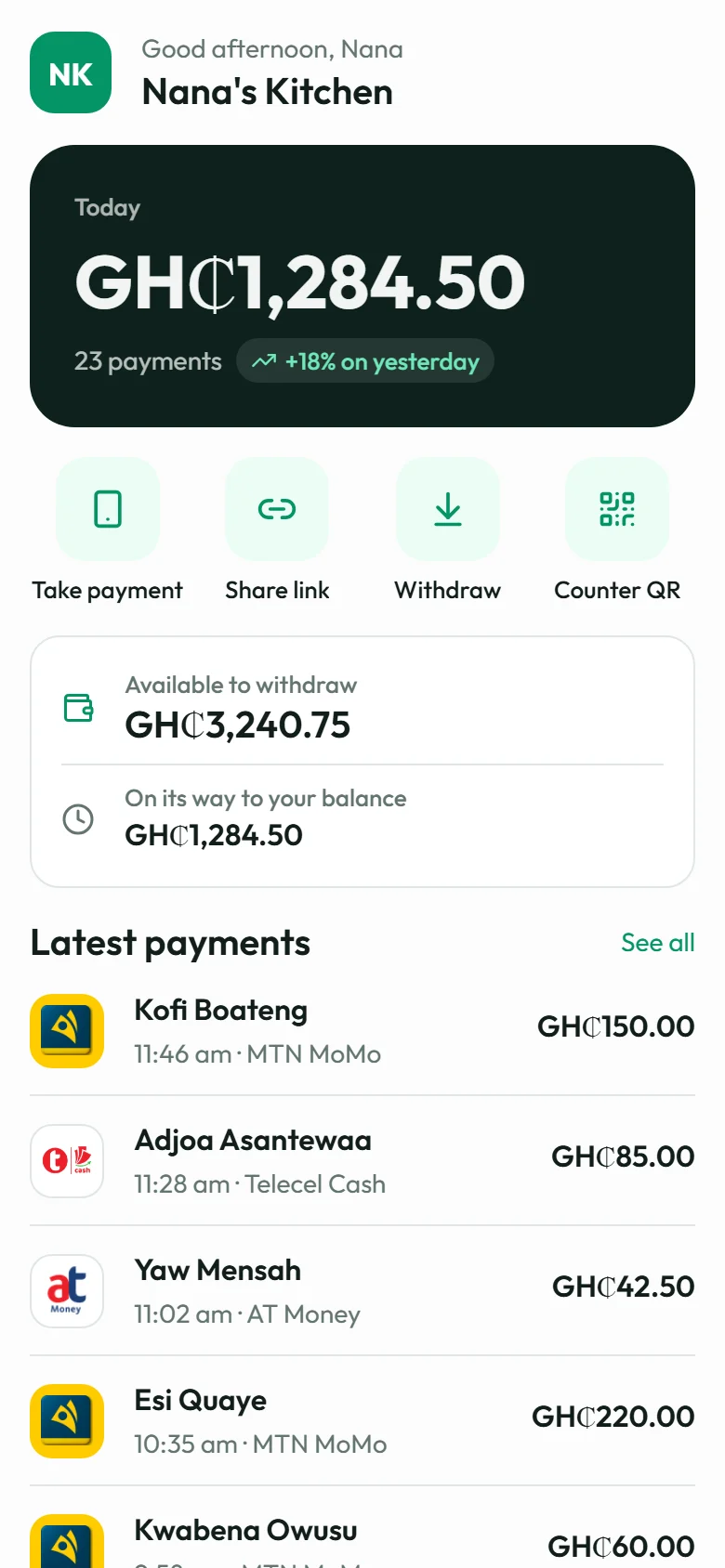
Money comes in from your customers. Most of it goes out again: to the farmer who sells you tomatoes, the rider who delivers your orders, the staff at the end of the month. Until now that meant paying out to your own MoMo wallet, then sending it on from your phone, one person at a time.
With Send money, it goes straight from your Xtopay balance to theirs.
Anyone, on any network
Send to any MoMo wallet (MTN MoMo, Telecel Cash or AT Money) or any bank account in Ghana. Type the number, and you can look up the name it's registered to before you send, so you know the money's going to the right person. The lookup is optional: you can skip it.
It comes off your available balance: what your customers paid you, once it's settled. A transfer that fails gives its money back.
One at a time, or a whole file
For one person, open Transfers in your dashboard and send it.
For many, download our Excel sample, fill in a row for each person (up to 500), and upload it. Every row is checked before anything moves: the numbers, the amounts, your limits and your balance. If any row is wrong, nothing is sent, and you're shown which rows to fix. When they're all right, they go together, in the background, and none is ever sent twice.
Your guards, set by you
Sending money is the one thing a thief would most like to do from your account, so the owner decides how far it goes:
- It's off until the owner switches it on, with a code from their authenticator app.
- A limit per transfer and per day, set by the owner. A file's transfers count together against the day's limit.
- An approval amount. Transfers above it wait for the owner to approve them; one nobody approves is declined after 24 hours, and its money goes back. The owner's own transfers from the dashboard don't wait.
- A fresh code from whoever sends it: the owner or an admin.
Every change to these settings is emailed to the owner. Everyone on your team can see what was sent and how it ended; only the owner approves, declines or changes the limits.
What it costs
| Sent to | Fee |
|---|---|
| A MoMo wallet | 1.5% of it, never more than GH₵20 |
| A bank account | GH₵10 |
The fee comes from your balance with the transfer. One that fails or is declined costs nothing.
From your own system
Developers can send money through the API too, with the same limits and approvals. Live transfers from your server only come from the IP addresses you allow. The Transfers page and the docs have more.